

Our Enterprise Data Recovery Services
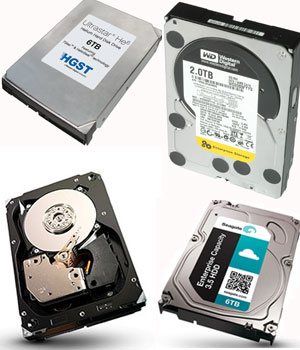 Enterprise class hard drives (FC, SAS, SCSI and Nearline SATA) are normally utilized in RAID based systems. So the recovery of data from those drives is just one of the many steps in the RAID recovery process. Because enterprise class hard drives are different in design from desktop class hard drives, they require different skill sets, technologies and even equipment to be employed in the data recovery process.
Enterprise class hard drives (sometimes called "RAID CLASS") are typically required to be in constant, round-the-clock operation. So, they must deliver the highest possible performance without sacrificing reliability, and they must also be able to function in demanding environments. Because of the nature of their use, maximizing capacity is not always the primary goal.
Enterprise Data Loss: Causes & Secure Recovery with ACE
Both desktop and laptop hard drives have internal error recovery algorithms that can take upwards of a minute to recover and re-map data that the drive cannot easily read. Many RAID controllers (depending on the controller) will drop a non-responsive drive in approximately 8 or so seconds. This can cause the array to drop a good drive because it has not had enough time to complete its internal error recovery procedure. When this happens, it can leave the rest of the array vulnerable.
To prevent this problem, many enterprise class hard drives will typically limit this error recovery time to approximately 7-8 seconds. After that period, if the drive has not recovered from the error it will issue an error message to the RAID card and defer the error recovery until a later time. This will let the RAID card decide on how to handle the recovery issue. The special tools designed for data recovery can essentially "force" those drives to continue the read attempt so that the data can be extracted. Enterprise hard disk recovery needs to be done by an experienced data recovery company. No matter the cause of data loss, accidental, mechanical, or environment related damages, our team of recovery engineers have the capability and skills to make things right.
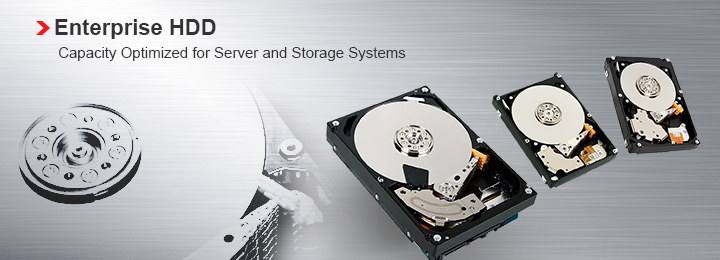
Enterprise Data Recovery for all Operating Platforms and Hard Drive Vendors:
Operating Systems:
- Microsoft Desktop OS
- Microsoft Server OS
- Microsoft Application Servers
- Data Base Servers
- Linux (All Distributions)
- UNIX (All Flavors)
Hard Drive Makes:
- Seagate
- Hitachi
- Fujitsu
- Maxtor
- Western Digital
- and more...
If you're looking for the best company to recovery your data (enterprise hard disk recovery, enterprise data recovery services, enterprise harddisk recovery, or more), please give us a ring, we can help get your data back, quickly and securely.
ACE Data Group's enterprise data recovery process meets manufacturer's requirements and will not void your original warranty
Latest Publications
By following these guidelines and avoiding common mistakes, you can extend the lifespan of your flash drive and protect your valuable data
Read more..
Understanding and Unraveling the Mystery of Formatted SSDs: Can Deleted Data Be Recovered?
Read more..